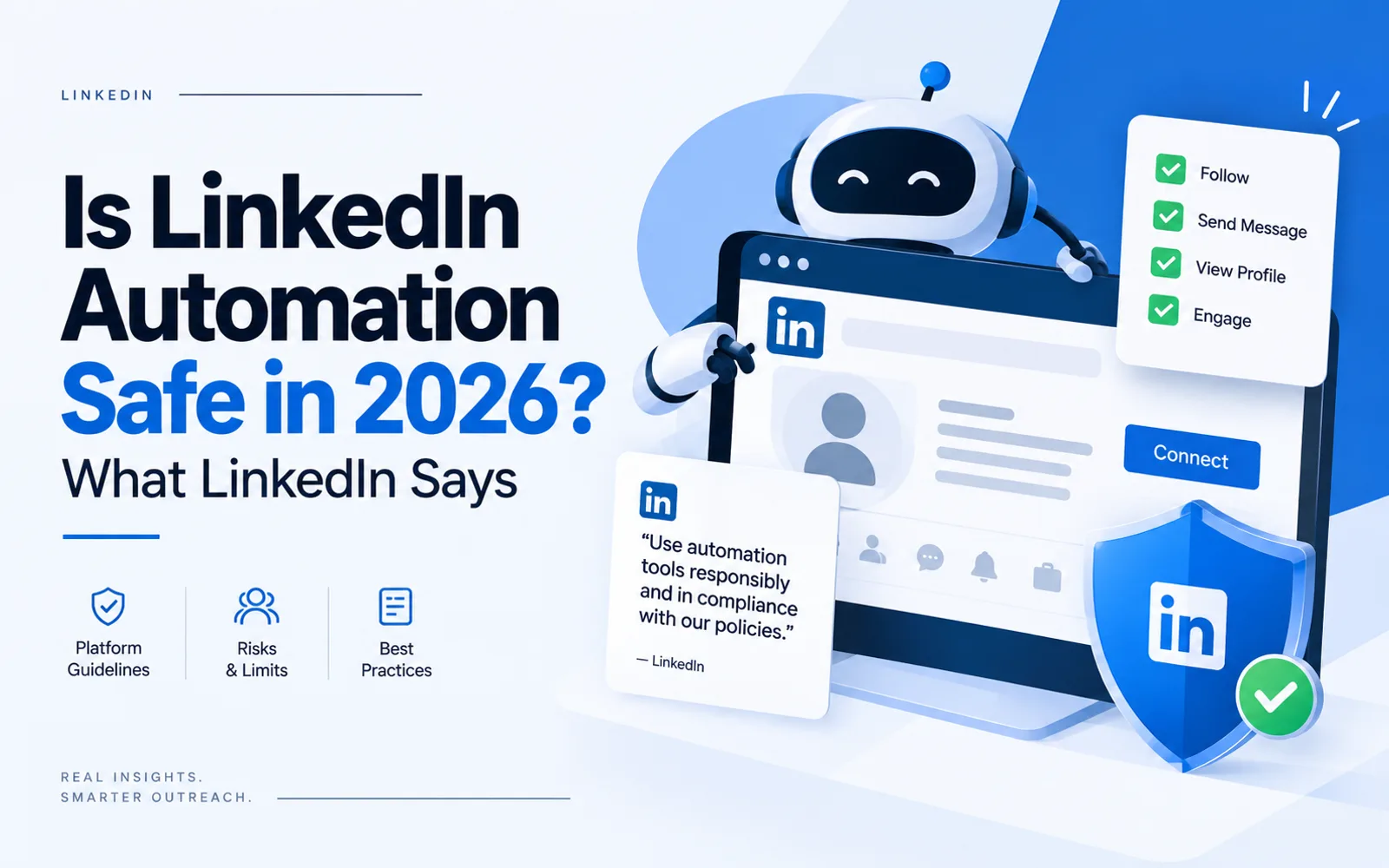
LinkedIn documents what gets an account restricted. It never publishes a safe weekly number. Here is how to tell policy from vendor guesswork.
The short answer
If someone on your team is running a LinkedIn automation tool, the account is at risk. The risk has little to do with crossing some volume threshold. LinkedIn does not permit the category at all. Its help documentation states plainly that third-party software or browser extensions that scrape, modify the appearance of, or automate activity on LinkedIn are not allowed.
What LinkedIn does not tell you is how much is too much. There is no published weekly invitation number. Every specific figure you have read — the 100 per week, the 20 per day, the 30 percent acceptance threshold — comes from a vendor or a community, not from LinkedIn.
That gap matters, because the people filling it mostly sell the tools.
We should say plainly that we do not sell LinkedIn automation software and have no tool to defend here.
One boundary before we start. This article covers what LinkedIn's own rules say and what happens to an account that breaks them. Data protection and anti-spam law add a separate layer in the EU, the UK, Canada, Australia, and New Zealand, and that is a different question with different answers in each country. Worth seeking local advice if your outreach reaches those markets.
What LinkedIn actually documents
LinkedIn's help page on invitation restrictions is short and more useful than most of what is written about it. It says that invitation limits exist to protect the member experience and ensure requests are relevant, and that exceeding those limits or using prohibited tools can result in an account being restricted.
Three triggers are named:
Sending many invitations within a short amount of time.
Having many invitations ignored, left pending, or marked as spam by recipients.
Sending an excessive number of invitations where LinkedIn suspects an automation tool, in which case it may suspend or restrict the account.
Read the second one again, because it is the one nobody plans for. Invitation quality is a documented trigger in its own right. A pile of unanswered requests sitting in strangers' inboxes counts against the sender, whether or not any tool was involved.
Several consequences are documented too. All members, Basic and Premium alike, are subject to invitation limits. Most restrictions are lifted automatically within about a week, and LinkedIn will not remove them upon request. Support cannot tell you the type or reason for the restriction, citing privacy. And once you withdraw an invitation, you cannot resend to that person for up to three weeks.
The published remediation advice is graduated. A first restriction means waiting a few hours. Multiple restrictions in one day means waiting a few days. A restriction for too many outstanding invitations can mean waiting up to a month.
LinkedIn's own guidance on avoiding all this is almost quaint: invite people you know and trust; add a personalized message explaining how you know them or why you want to connect; use InMail and Groups for people you do not know; and keep your profile complete enough that recipients recognize you.
Worth noticing that this advice runs directly against the advice circulating in outreach circles, where blank invitations are recommended because they get accepted more often.
What LinkedIn does not publish
No weekly invitation number. No daily number. No acceptance-rate threshold. No cap on how many pending invitations you can have sitting out there. No profile-view velocity limit.
This is not an oversight. A published threshold would simply become the number every automation tool sets itself to just below.
So when you read that the safe limit is 100 invitations a week, you are reading a guess. Sometimes an informed one, drawn from watching many accounts. Still a guess, and the numbers do not agree with each other. One vendor says roughly 100 per week. Another says 100 to 200 depending on account trust, and that low-trust accounts can get restricted to as few as 15 to 30. A third puts new accounts at 20 to 25 per day and established ones at 80 to 100 per day, which is a range wide enough to drive a bus through.
They cannot all be right. They can all be wrong.
Where the numbers came from
Here is a documented example of how a number becomes a fact, and it is worth following because the mechanism is the point.
A statistic has been circulating about a popular LinkedIn automation tool: 23 percent of its users are restricted within 90 days, and 3 percent are permanently banned. It appears on multiple review sites. On one, it is attributed to a competing vendor's analysis of that tool's user data. On another, the attribution has vanished, and the numbers are described only as independent testing, with no link, no methodology, and no named source.
We read the article the figure was attributed to, start to finish. Neither number appears in it. There is no 23 percent, no 3 percent, and no analysis of user data of any kind. The closest thing in it is a single FAQ line saying independent 2026 testing reports elevated restriction rates, which names no testing and cites nothing.
So a number was attributed to a source that does not contain it, then repeated elsewhere with the attribution stripped, at which point it reads as independently established fact. The tool's maker published a rebuttal in August 2026 tracing the same chain and reporting that a supporting customer review quoted alongside the statistic does not exist either.
The same page that carries that attribution also states that Chrome extensions carry a 60 percent higher detection risk, per a named 2026 ban risk study, another figure we could not locate at the source.
There is a smaller detail on the vendor's own site that says more than any of this. It claims its architecture drops ban risk to about 0.00001 percent, a number given to five decimal places with nothing behind it. At the bottom of the same page sits a legal disclaimer stating that using the product may not comply with LinkedIn's User Agreement. Near-zero risk in the marketing copy, an admission of possible non-compliance in the footer.
Nobody in this chain is a neutral party, including the tool maker publishing the rebuttal. Its counterclaim of zero known account bans among users on default settings is just as unverifiable as the number it is correcting, and for the reason it cites: LinkedIn does not disclose ban data, so no vendor can measure it. The point survives anyway. A precise percentage published without a checkable methodology is somebody's marketing.
The reason this spreads is that nobody follows the link. Doing it took us about fifteen minutes.
Three tiers of evidence
Anything you read about LinkedIn outreach limits falls into one of three tiers, and knowing which tier you are looking at is most of the skill.
Documented. LinkedIn published it. The three restriction triggers, the prohibition on third-party automation software and extensions, the one-week typical restoration, the three-week block on resending a withdrawn invitation. You can go and read these.
Observed. Practitioners have watched a lot of accounts and formed a view. The rough hundred-a-week ceiling belongs here. Useful, unofficial, and not a defense if your account goes down.
Invented. A specific figure with no traceable methodology. The 23 percent restriction rate, the 340 percent detection increase, the precise acceptance-rate thresholds. These are the ones that spread furthest, because specificity reads as authority.
Apply the test to anything in this space, including this article. Every number above is either quoted from LinkedIn or explicitly labeled as somebody's claim.
Whose account is it, exactly
This is the part that should concern an owner, and it has nothing to do with limits.
A LinkedIn automation tool does not run on your company. It runs on a person. The profile it operates through belongs to your salesperson, built over years, carrying their network and their name. Your company cannot own it, cannot transfer it and cannot recover it.
So the risk sits in an odd place. The company gets the pipeline. The employee carries the exposure. If the account is restricted, they lose access to their professional network for reasons LinkedIn will not explain to them, because Support does not disclose the reason. If they leave, the network goes with them anyway, along with every conversation the tool started.
Most businesses have never framed it this way. The tool was a line item on a sales stack, approved as software. It is closer to a decision about using an employee's personal reputation as company infrastructure.
That is a governance question, and it deserves an answer before the invoice gets approved rather than after the restriction email arrives.
Six questions before you approve a tool
None of this requires technical knowledge. Ask these, in this order.
Does it log in as the user? If the tool operates a browser session or a cloud session using your salesperson's credentials, LinkedIn's prohibition on third-party software that automates activity applies. If it uses LinkedIn's official API under an approved partner agreement, that is a different situation.
Whose profile does it run on? Get the name. That person is carrying the risk.
Have we told them what the risk is? Restriction, no explanation from Support, and a wait that can run to a month for outstanding invitations. They should be agreeing to that knowingly.
What is our pending invitation backlog? Have the user open their sent invitations list. A large pile of unanswered requests is a documented restriction trigger, and most people have never opened that screen. Withdrawing the stale ones reduces exposure, with the caveat that a withdrawn invitation cannot be resent for up to three weeks.
What happens to the relationships if the account goes? Every conversation the tool started lives inside one person's inbox. If it is not in your CRM, you do not have it.
What is this producing? Volume of connections is not the measure. If the tool is generating submissions that nobody in sales considers worth pursuing, the account risk is being taken for nothing. Sorting real prospects from the noise is a separate exercise, and worth doing before you decide the tool is working.
If the answers make you uncomfortable, the alternative is not doing nothing. LinkedIn's own advice points at inbound: a complete profile, relevant requests to people who will recognize you, and content that makes the recognition possible. That route is slower and it does not get accounts restricted.
Questions people ask
Is LinkedIn automation against the rules?
Yes, as a category. LinkedIn's documentation states it does not allow third-party software or browser extensions that scrape, modify the appearance of, or automate activity on the site. This is a terms-of-service matter rather than a legal one, so the practical consequence is account restriction, not liability.
How many connection requests can I safely send per week?
LinkedIn does not publish a number. Figures circulating online range from around 100 per week to 200, and some sources claim low-trust accounts get restricted at 15 to 30. All of these are vendor or community estimates. None is policy.
Why was my LinkedIn account restricted?
LinkedIn documents three triggers: many invitations sent in a short period, many invitations ignored or left pending or marked as spam, and excessive invitations where automation is suspected. Support will not tell you which applied to you, citing privacy.
How long does a LinkedIn restriction last?
Most are removed automatically within about a week, and LinkedIn will not lift them on request. Its guidance suggests waiting a few hours after a first restriction, a few days after several in one day, and up to a month if the restriction relates to too many outstanding invitations.
Does withdrawing pending invitations help?
It reduces a documented risk, since invitations left pending count against the sender. One catch worth knowing: after you withdraw an invitation, you cannot send another to that person for up to three weeks.
Is cloud-based automation safer than a browser extension?
Vendors argue this, and detection mechanics may well differ. It does not change the policy position, which covers third-party tools that automate activity regardless of where they run.
The thing to take away
The safe number does not exist. What exists is a short list of behaviors LinkedIn says can get an account restricted, a longer list of numbers people made up to fill the silence, and a profile belonging to one of your employees sitting beneath it all.
Before the next renewal, find out whose account your outreach runs on and whether they understand what they are carrying. It is a ten-minute conversation, and it is the one part of this you fully control.
If you would rather build a pipeline that does not depend on one person's account remaining active, that is the kind of system we work on, and we will happily tell you which parts are worth automating and which are not.